Skip to content

Smart Ship RTLS Platform

NAK Watch

Crew members use NAK Watch to receive instructions from the central console and send replies. The gateway collects watch signals and environmental and fire sensor feeds for review in the console’s event history.

System configuration

Configure the watch, gateway and central console to suit your vessel. Cabling and environmental and fire sensor integration are scoped vessel by vessel.

From the watch to the central console
  1. NAK Watch

    Receive and acknowledge instructions, and send man-overboard alerts or a manual SOS.

  2. Gateway

    Relay watch signals and collect environmental readings and fire alerts from connected sensors.

  3. Central console

    Review watch, gateway, environmental and fire event history in one place.

Operating workflow

Follow instructions and replies, then see how the console records incoming sensor data.

NAK Watch

Receive instructions and reply from the wrist

Crew members receive a pre-work safety check instruction on NAK Watch. Their ‘Check complete’ reply returns to the central console.

Central console

Instruction sentPre-work safety check
Reply receivedCheck complete
NAK Watch design concept, front view
HQRead
Pre-work safety check
DoneNot done
▲▼ Select · ● Send
Watch design concept · Two-way communication example

Gateway

Collect watch signals and environmental data

The gateway relays watch signals and collects temperature, humidity, particulate measurements and fire or smoke alerts from connected sensors. The central console shows changes and alerts by zone.

Onboard signal flow

Central console
  1. Watch & sensors
  2. Gateway
  3. Central console
Connection diagram · Example sensor integration

Central console

Review watch and gateway records at a glance

See watch instructions and replies, gateway signal and integration records, and each zone’s environmental changes, fire alerts and follow-up actions in one place.

Central console · Event historyExample
  1. Watch
    Safety check completedInstructions & replies
  2. Gateway
    Particulate measurement receivedSensor reception & integration
  3. Environment & fire
    Fire alert receivedZone conditions, alerts & actions
Central console concept

Key functions

Review watch replies, gateway activity, environmental changes and alert history by zone from the central console.

Crew location and wear status
Check crew zones inside the vessel and on deck, along with wear status and the last received signal.
Instructions and replies
Receive individual, group and urgent messages on the watch and send a predefined response.
Man-overboard detection and manual SOS
Look up the crew member, time and last known location in the console.
Health information
Check heart rate, wrist skin temperature and step count.
Patrol and equipment management
Review patrol records by crew member, time and checkpoint, and manage battery, wear and charging status.
Zone environment and fire monitoring
Use connected sensors to review temperature, humidity, air quality, fire or smoke alerts and their history.
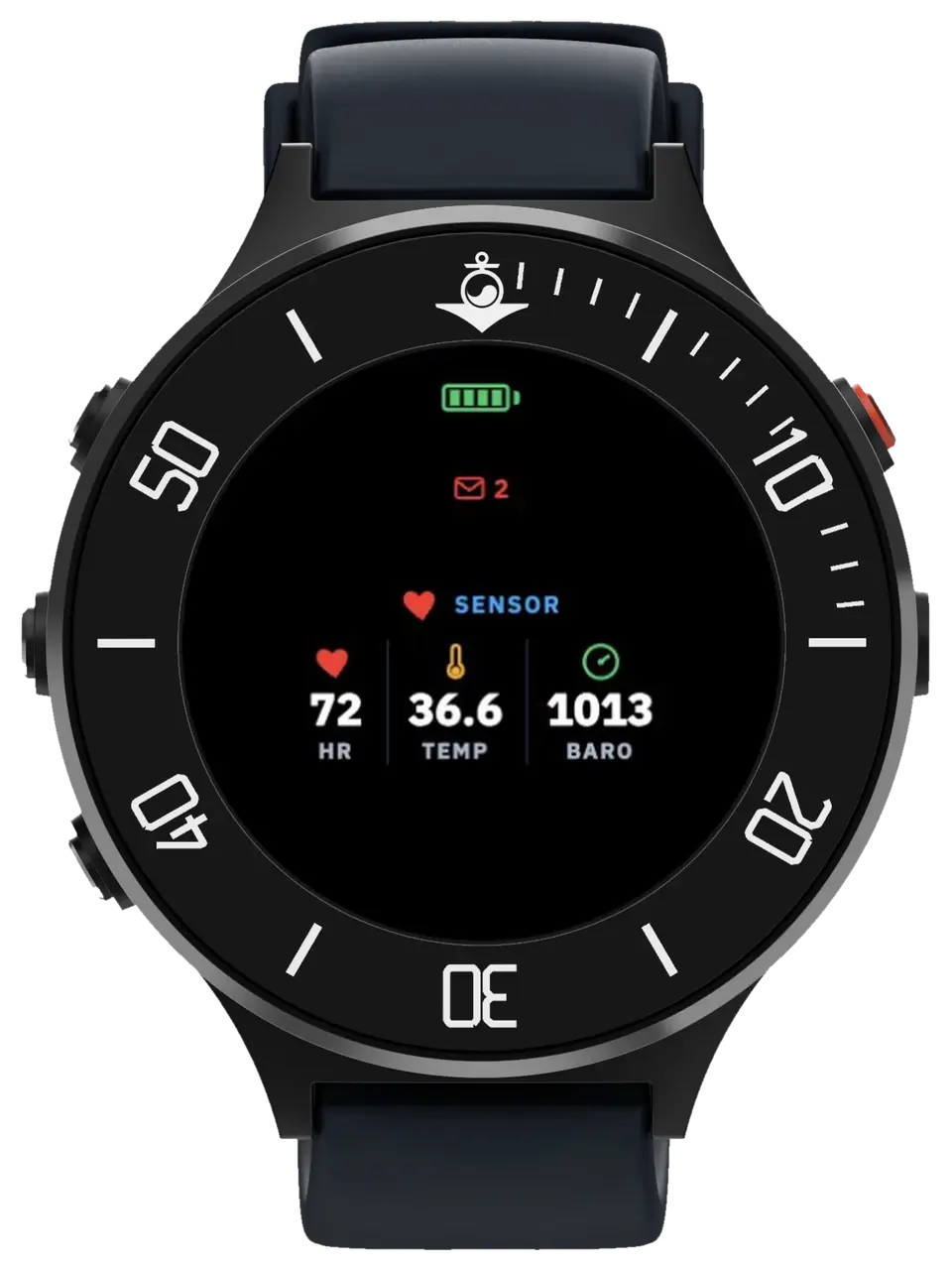
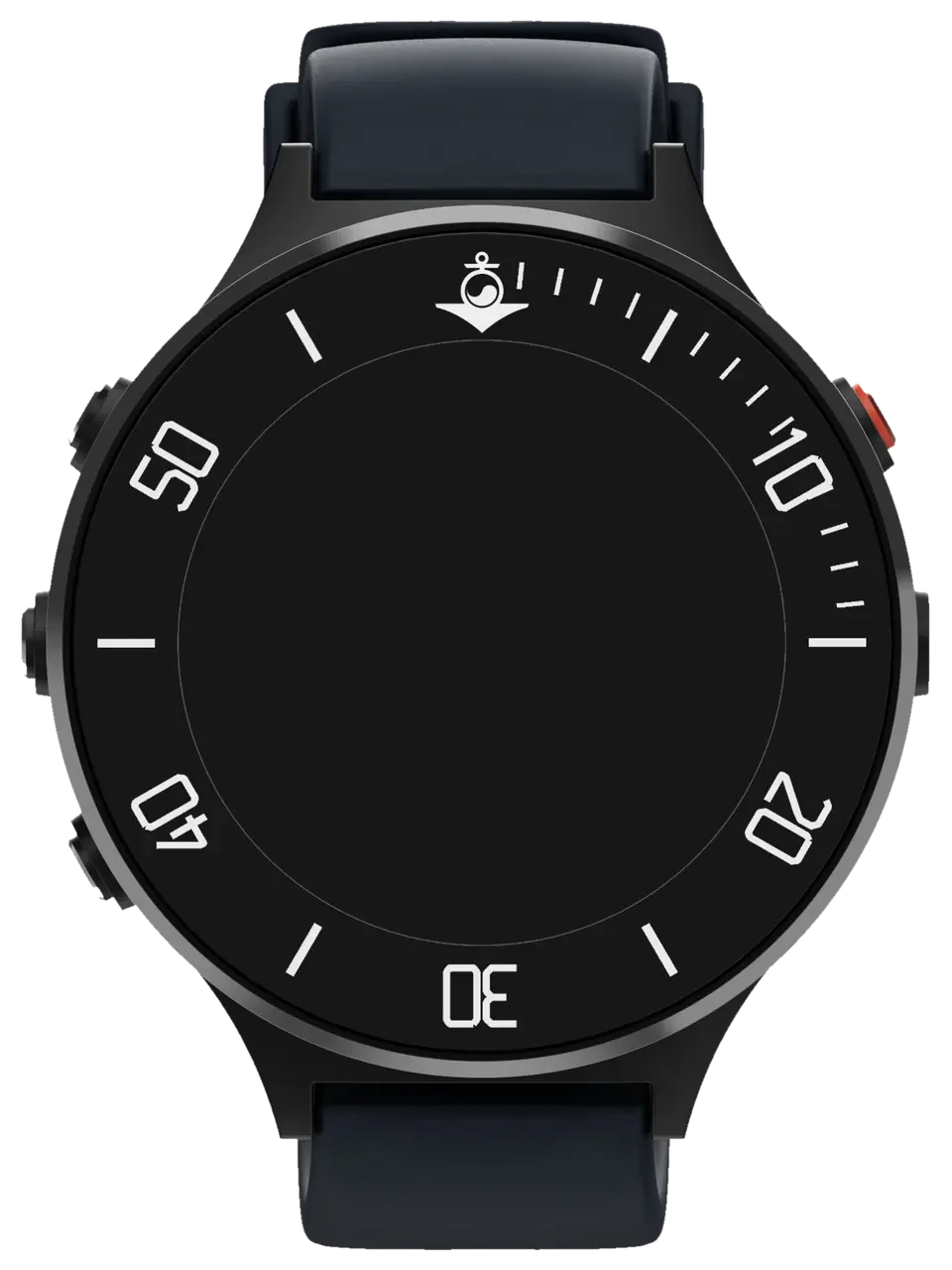
Key watch specifications

Operating time
30-day specification, varies with operating conditions
Battery and charging
500 mAh rechargeable battery with magnetic pogo contacts
Display and controls
1.4-inch round MIP display and four physical buttons
Onboard and deck communications
BLE onboard and Bluetooth LE Long Range on deck

Demo inquiry

Tell us which features or operating conditions you would like to explore.

taegu@naklab.co

We use your details to receive and respond to your inquiry. Resend delivers the inquiry email.